
Aurora Store
Aurora Store is a free and open-source Android app that works as an alternative to the Google Play Store app, distributed under the GPL.
Android
Open source

52.9.21 · Google LLC · Page updated
Google Play Store is Google's digital distribution platform for Android, used to find, install and update apps, games and books.
Average 0.0 · ratings: 0
Thank you! Your rating is saved; you can change it. Could not save the rating. Please try again later. Too many ratings from your network today. Please try again tomorrow. The average appears after 5 ratings.
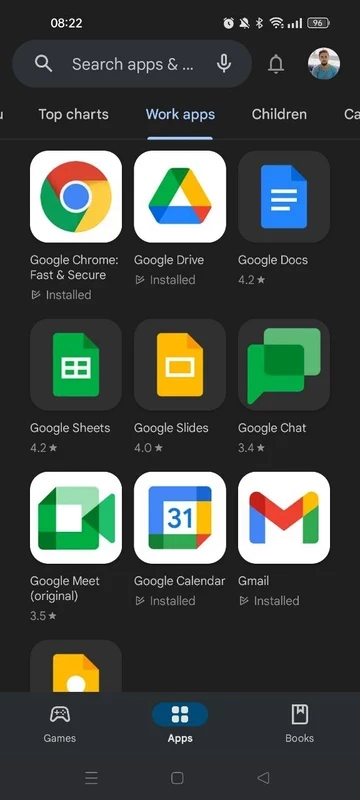
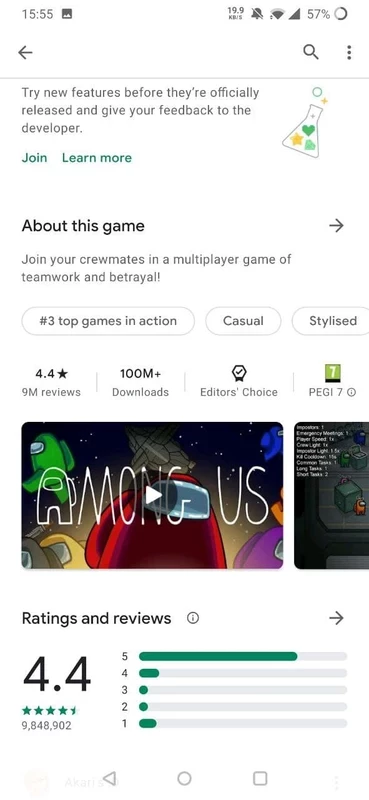
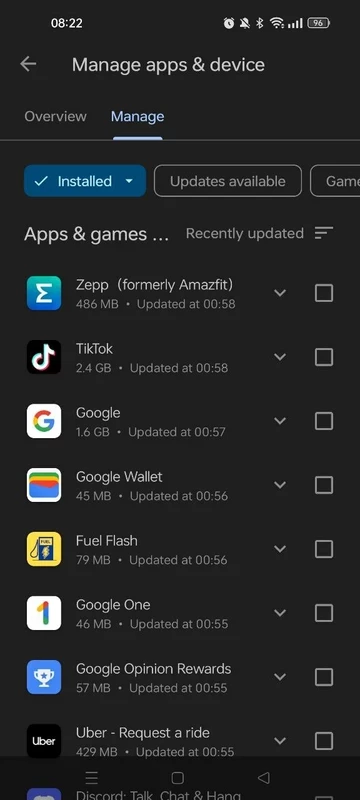
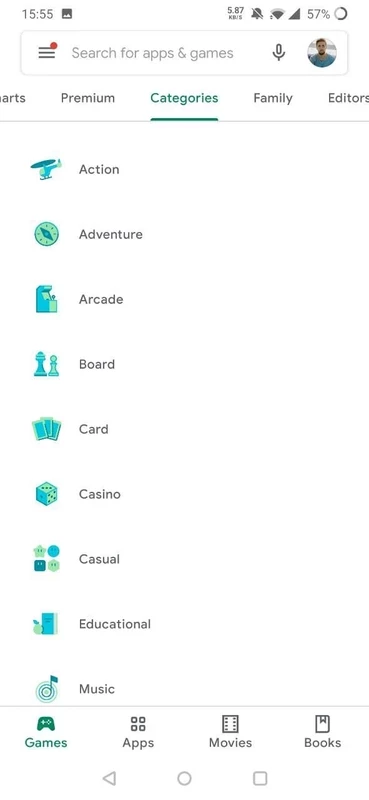
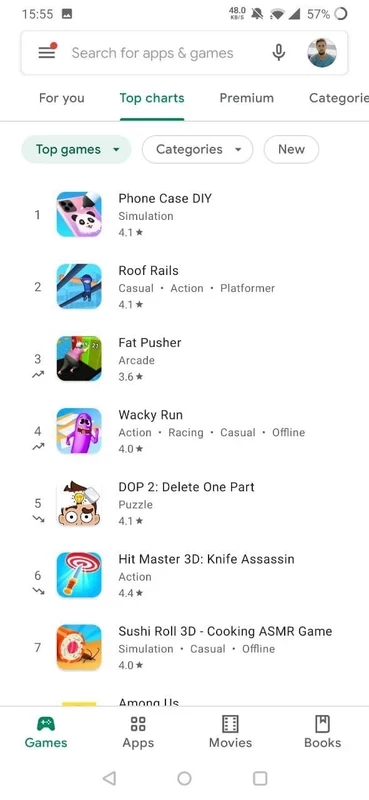
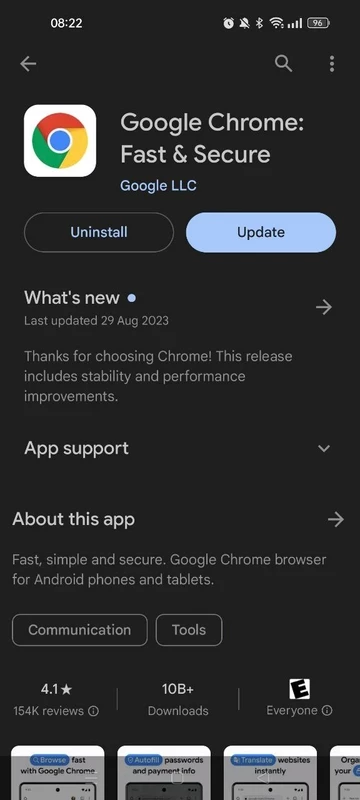
Google Play Store 52.9.21 for Android is the current version of Google's app marketplace, and on almost every certified phone it is already installed and updates itself. This guide explains what to check, how to update or restore it safely, and when a manual download makes sense.
Wikidata describes Google Play as a digital distribution platform, an app marketplace and a package manager, and all three labels fit. As a shop, it is where you browse and install apps, games, books and films. As a package manager, it keeps everything you installed up to date in the background and handles permissions and refunds. It also checks installed apps for harmful behaviour and warns you if something suspicious turns up. For developers, it is the main route to Android users, and Google sets rules for them, such as the minimum Android API level new apps must target. For an ordinary user, the most important thing is that the Play Store itself stays current, because older versions stop receiving new features and can fail to download some apps.
If the app has disappeared, check whether it was disabled in Settings, Apps; re-enabling it is usually enough. When downloads hang, clearing the Play Store cache and restarting the phone solves most problems. Google collects official help on its Play Store support page, and system component changes are listed in the Google System Services release notes.
Do not install Play Store APKs from random websites: a modified store can install anything it likes. If your phone does not ship with Google services, the manufacturer's own store is the safer route. Keep the store's app scanning turned on in its settings.
The Play Store is free. Many apps are free as well; paid apps and in-app purchases are charged to the payment method in your Google account.
Aurora Store, Huawei AppGallery, APKPure, Aptoide and GetApps are other app stores in the same tools category.
Aurora Store is a free and open-source Android app that works as an alternative to the Google Play Store app, distributed under the GPL.

APKPure is a third-party app marketplace for Android that installs apps from APK files outside Google Play. This page covers version 3.20.7803.

Aptoide is an open-source alternative app store for Android, running since 2009. This page covers version 9.22.5.3.

Test DPC is a sample device policy controller for Android Enterprise, used by developers and IT administrators to test work profiles and management policies.

QuickShortcutMaker is a small Android tool for creating home screen shortcuts to specific screens of installed apps, including hidden settings.